

Portal Preview
Portal Preview lets office staff see the subcontractor portal from the perspective of any specific subcontractor. It shows the same jobs list, job details, and history view that the subcontractor sees in their mobile app — rendered inside a phone frame right in the office app.
What it does
The portal preview shows a live reimplementation of the subcontractor portal UI, populated with real data for the selected subcontractor. Office staff can:
- Browse the subcontractor’s upcoming and past jobs
- Check what the subcontractor sees for each job (address, notes, schedule, work items)
- Review their completed job history
This is useful for answering subcontractor questions (“why don’t I see this job?”), verifying that schedules published correctly, and training new staff on how the portal works.
How to access it
Go to Office app → Portal Preview (in the left sidebar).
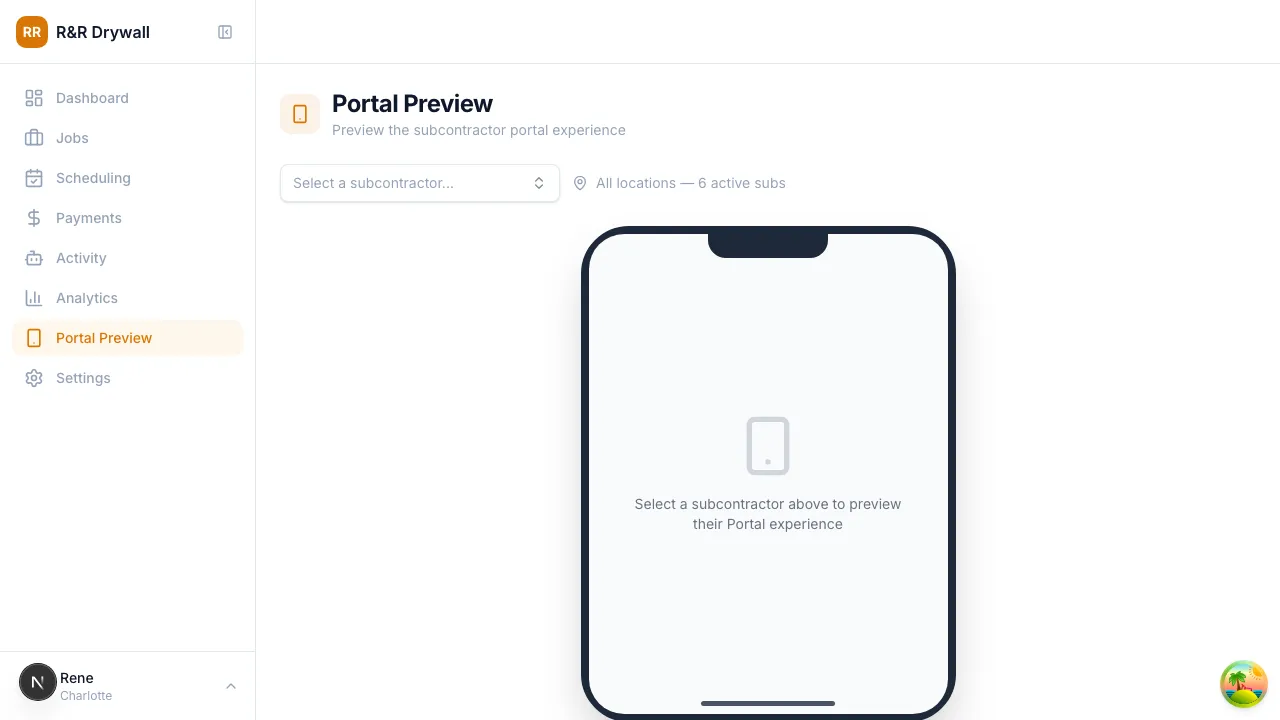
Select a subcontractor from the dropdown. The phone frame loads immediately with their data.
What you’ll see
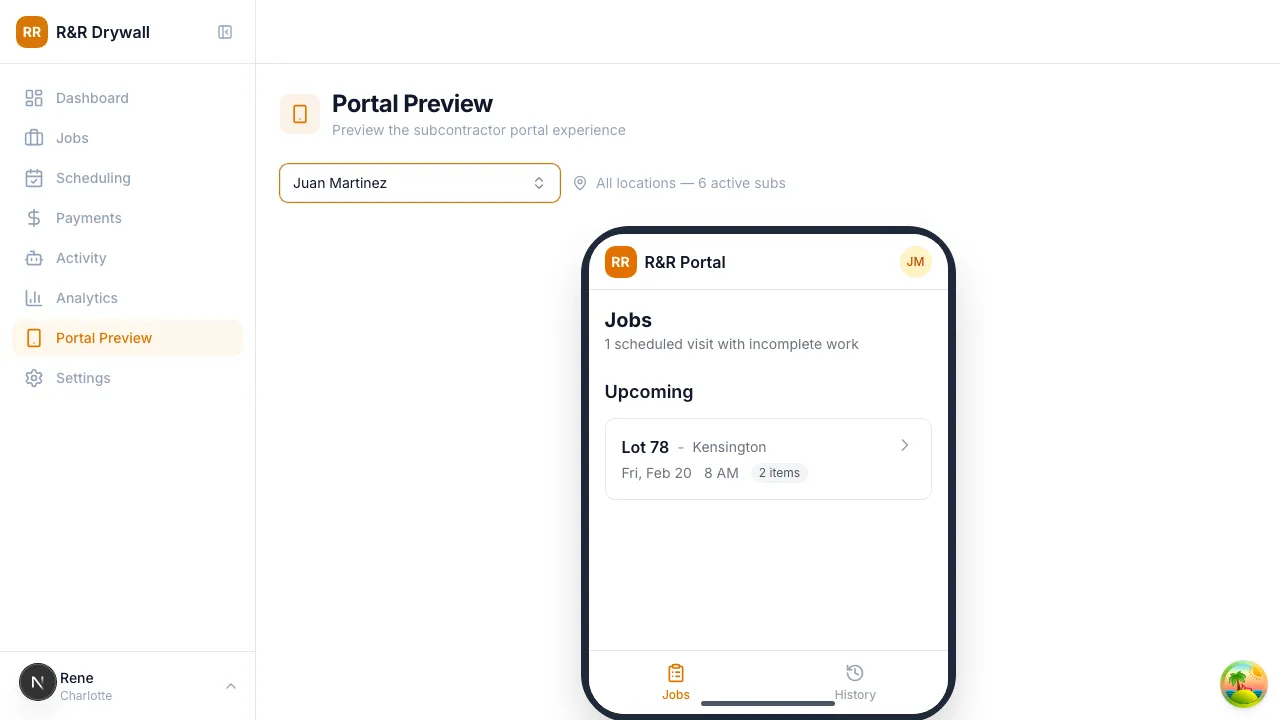
Jobs list
The main jobs view groups jobs into Today, Upcoming, and Overdue sections — exactly as the subcontractor sees it.
Job detail
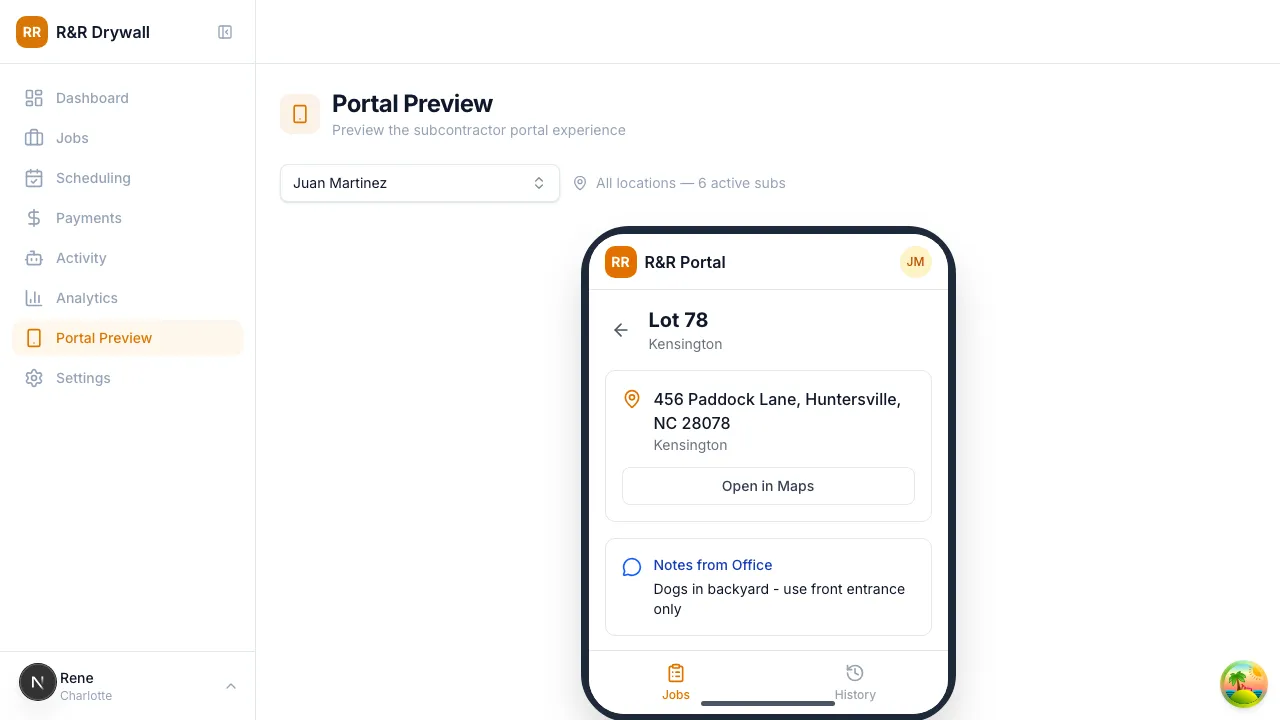
Click any job to see the detail view: full address, scheduled time, notes, and work items.
History
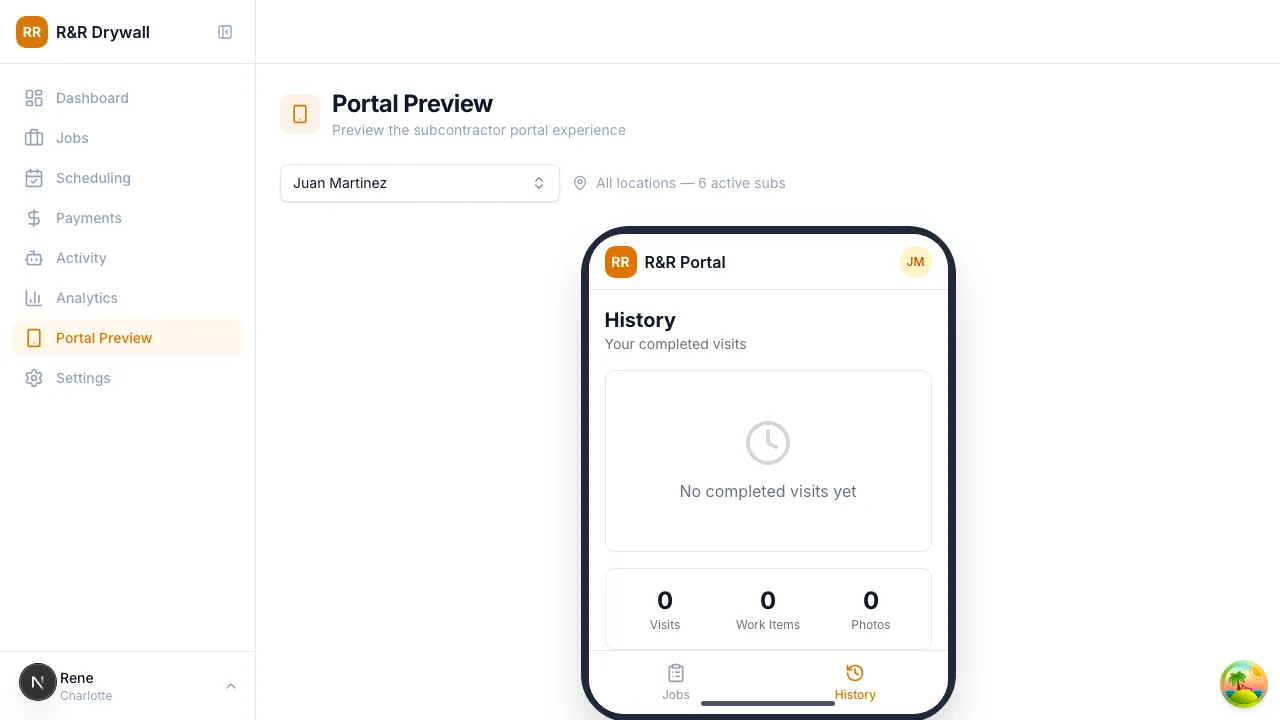
Switch to the History tab to see completed visits and stats.
Important note
The portal preview is a reimplementation of the portal UI inside the office app — it is not a live iframe of the portal. This means:
- Data is fetched directly from the database (same data the subcontractor sees)
- If the real portal UI changes, the preview may need to be updated separately
- The phone frame is fixed to iPhone 15 Pro Max proportions for a consistent view